Animate the Codeboard demo
Build the eight-second Clawd performance from the Codeboard launch demo: walk, notice an obstacle, gather weight, hop, land, and settle. The example uses editable vector drawings, pencil accents, drawing exposures, and separate placement keys.
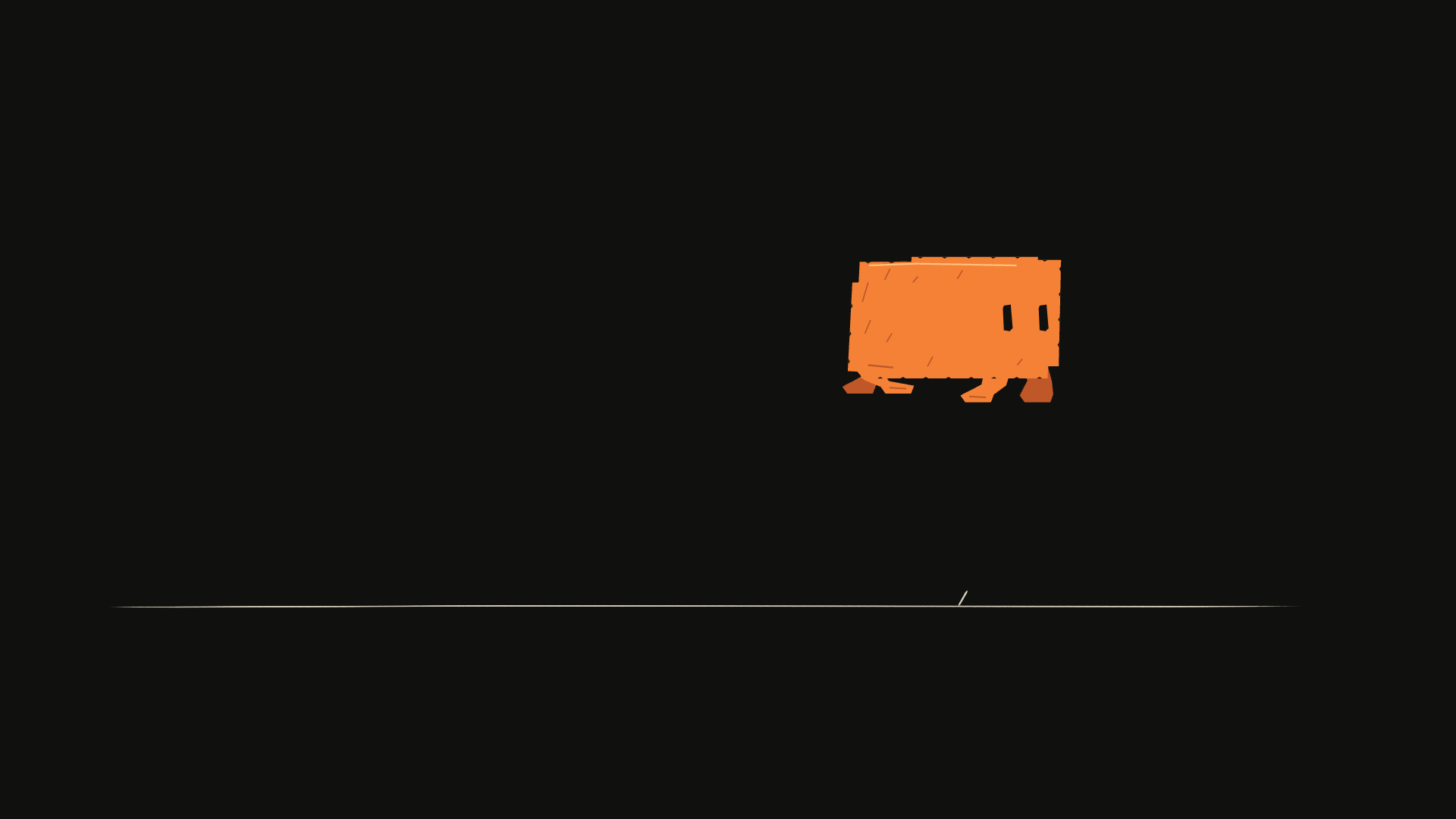
The 48-second walkthrough film shows the larger workflow. Its terminal scenes are a scripted presentation, not a live agent recording. The film is rebuilt with the released CLI and original synthesized Foley. Download the complete presentation source below, or begin with the smaller eight-second performance. Neither requires external artwork or audio.
Run it locally
- Install Codeboard.
- Download and extract the example source ZIP.
- Open a terminal inside the extracted
code-board-demodirectory.
codeboard run main.mjsThis creates clawd-output/clawd.cboard, frame.png, poses.png, and onion.png. No FFmpeg or network connection is needed for these outputs. The example has a 1920 × 1080 canvas, runs at 24 fps, and lasts 192 frames. Running main.mjs again deliberately replaces its generated project; make revisions with revise.mjs instead.
You can also download the editable project directly. The source is available in the repository under examples/code-board-demo.
Build the complete 48-second film
Download the full demo source ZIP, extract it, and open a terminal in code-board-demo. This source targets Codeboard v0.2.1. The installed codeboard command must be on PATH.
codeboard run src/run.ts author
codeboard run src/run.ts render
author creates editable projects, original synthesized Foley, review sheets, pose crops, and verification reports. render repeats that work and exports the film; it requires FFmpeg on PATH or FFMPEG_PATH pointing to its executable. No npm dependencies or engine build are needed.
Outputs go into codeboard-demo-output/ in your working directory. CODEBOARD_DEMO_OUTPUT can select another output directory. Keep independent revisions elsewhere: running authoring again replaces its generated outputs.
codeboard run src/run.ts verify
codeboard preview codeboard-demo-output/launch/codeboard-launch.cboard
codeboard movie codeboard-demo-output/launch/codeboard-launch.cboard --output film.mp4
The demo README maps source files and outputs. Verification reopens saved projects, compares all 192 performance frames, checks planted-foot drift and drawing exposures, and checks turnaround contours. Arial, Consolas and Segoe Print are host fonts; text appearance can differ between operating systems.
Separate shape from placement
The source divides the work into four files:
| File | Responsibility |
|---|---|
poses.mjs | Body proportions, feet, eyes, and the ordered performance exposures |
art.mjs | Convert a pose into editable contours and ink accents |
main.mjs | Build the project, select drawings, key placement, save and render |
revise.mjs | Open the project and change a specific drawing hold |
drawClawd(panel, pose, options) is an example-specific drawing function, not an engine primitive. It creates groups and vector paths through the same public API used in your own scripts. Width, height, lean, eye opening, gaze, and four foot positions shape a drawing. A parent track controls where that drawing appears in the scene.
Changing the drawing makes the body compress or the feet tuck. Changing its track transform moves the character across the frame. These are separate decisions.
Design the performance
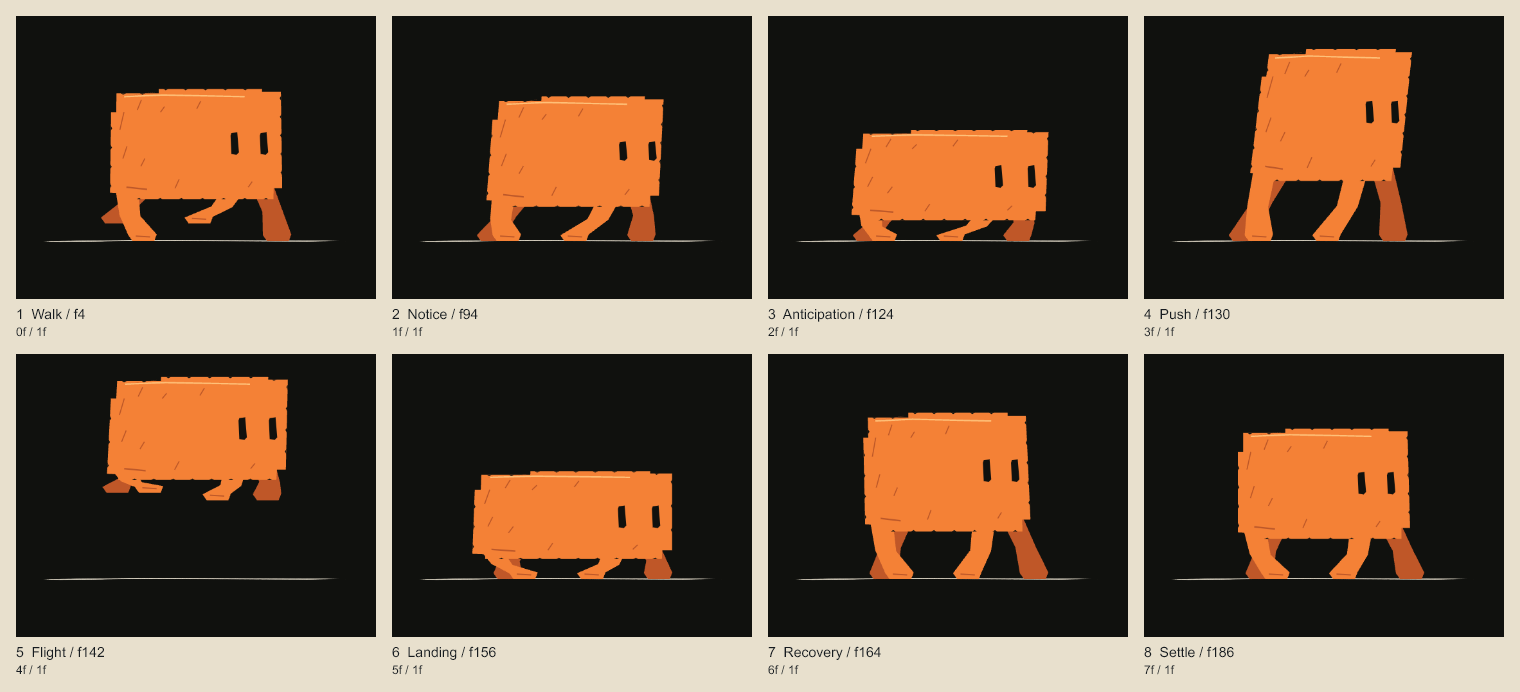
This pose sheet places the drawings side by side for inspection. The downloaded poses.png instead samples their actual positions across the scene.
| Local frames | Action | Drawing decision |
|---|---|---|
| 0–71 | Walk | Repeat a 12-drawing walk cycle on twos |
| 72–89 | Stop | Bring forward movement to rest while feet find support |
| 90–111 | Notice | Lean and gaze toward the obstacle; hold the thought |
| 112–127 | Anticipate | Widen and lower the body before the push |
| 128–151 | Take off and fly | Stretch, tuck the feet, then extend toward landing |
| 152–175 | Land and recover | Contact, compression, rebound, settle |
| 176–191 | Finish | Hold the settled drawing and blink |
An exposure can reuse an existing drawing. The walk repeats geometry without creating a fresh copy at every frame. The held notice pose is also one drawing, not a sequence of identical snapshots.
Create the drawing track
The project uses stable IDs for the panel (performance), stage (stage), and drawing track (clawd). Individual drawing groups receive IDs when created; the example records them in a map.
const track = panel.addGroup('Clawd drawings', { id: 'clawd' }, stage.id);
const drawings = new Map();
for (const [name, pose] of acting.drawings) {
  drawings.set(name, drawClawd(panel, pose, {
    parent: track.id, name,
  }).id);
}
project.production.setDrawingSequence(track.id,
  acting.exposures.map(({ frame, id }) => ({
    frame, drawingId: drawings.get(id),
  }))
);
Each exposure holds until the next. drawingId: null would create a blank exposure. The engine selects the authored drawings; it does not invent intermediate poses.
Place each drawing
for (const { frame, x, y } of acting.exposures) {
  project.production.addLayerKeyframe('clawd', frame, {
    transform: { x, y }, easing: 'hold',
  });
}
Hold interpolation keeps placement synchronized with the drawings on twos. Using continuous movement here would slide a held foot between drawings. The airborne path is authored as x = 846 + 390u and y = -185 × 4u(1-u), with u running from takeoff toward landing. The pose function separately redraws the body and feet along that path.
Compare neighboring drawings
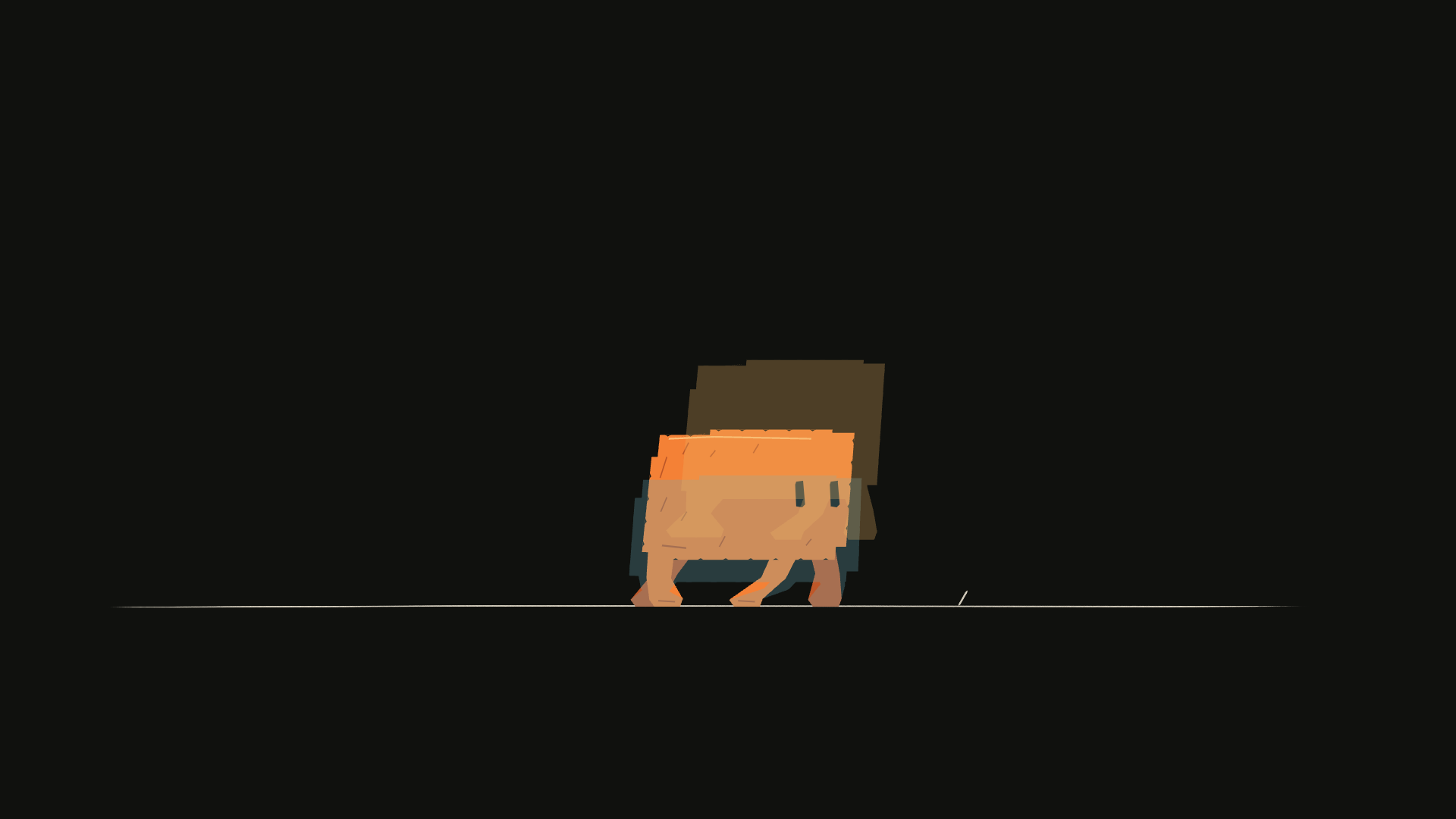
const image = await renderOnionSkin(project, [
  { panelId: 'performance', frame: 128 },
  { panelId: 'performance', frame: 124, layerIds: ['clawd'],
    tint: '#69aeba', opacity: .28 },
  { panelId: 'performance', frame: 132, layerIds: ['clawd'],
    tint: '#e9b364', opacity: .28 },
]);
The first sample provides the current scene. Later samples isolate the character, so the ground is not duplicated. Compare the feet against the ground, the body arc, and the distance traveled between exposures. See review for crops and coordinate mapping.
Revise the anticipation
Run the included revision script after authoring:
codeboard run revise.mjsIt extends the anticipation drawing into frames 126–129. Frame 128 changes from a push pose to the held crouch; frame 130 resumes the existing takeoff. Total duration stays at 192 frames. Placement keys are unchanged: this is a drawing-hold revision, not a retime of the entire motion.
project.transaction('Hold the anticipation for two more frames', () => {
  const { current } = project.production.drawingNeighbors('clawd', 124);
  project.production.setDrawingRange('clawd', 126, 130, current.drawingId);
});
await project.save('clawd-output/clawd.cboard');
Before, frame 128:
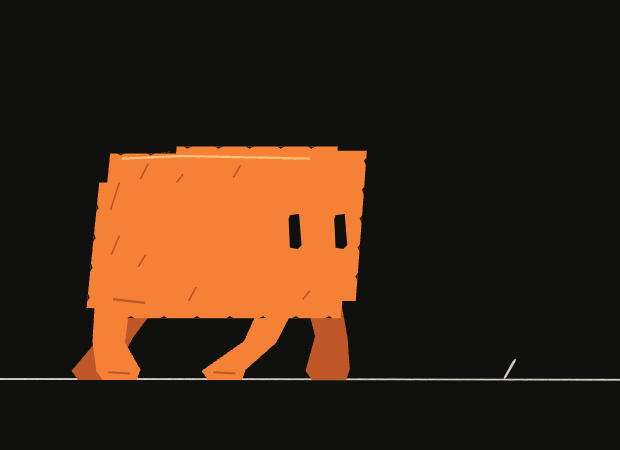
After, the same frame:
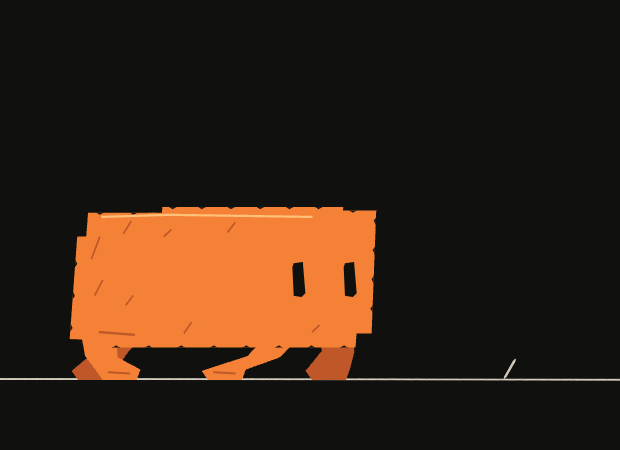
For a longer shot that shifts later material, use setPanelDuration with ripple timing instead. For a contour correction, edit the specific vector element. Projects and revisions explains how to preserve a checkpoint and recover a rejected change.
Export the movie
With FFmpeg available:
codeboard movie clawd-output/clawd.cboard --output clawd-output/clawd.mp4Inspect the full eight-second playback, especially planted feet, the pause before the hop, and the landing. Keep the .cboard file alongside the movie; the movie does not retain editable drawings.