Open an older project
Migrate an older file into a new destination before editing it with the current engine. Keep the original project and its history for rollback.
Open an older project without changing its look. Does updating the file format change the drawing?
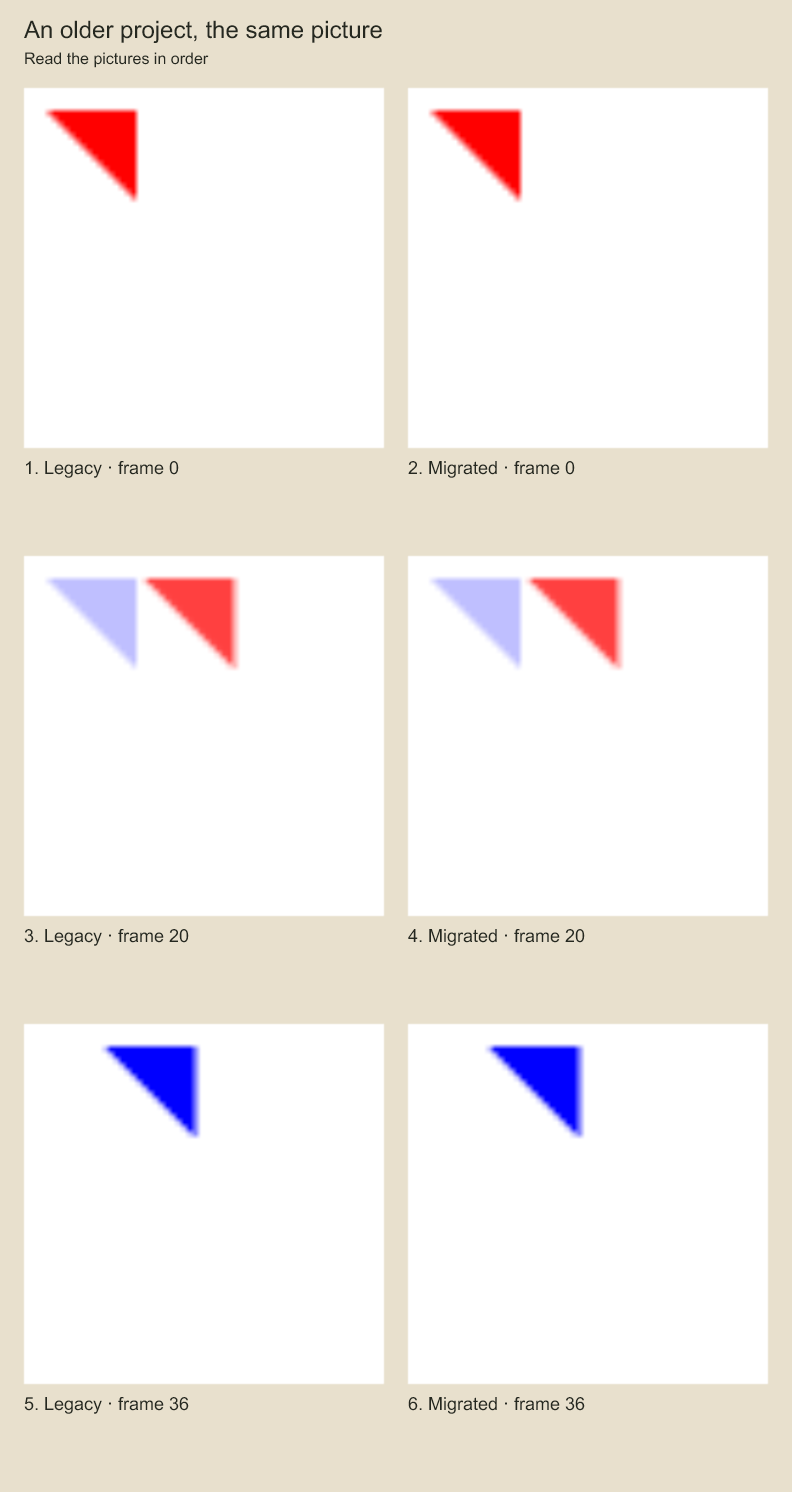
Compare each old frame with the converted frame next to it. Matching pairs are the intended result. Migration writes a new project. These samples check that its selected frames preserve the old appearance.
Schema 5 studio content and migration
New projects use document schema 5 and SQLite container format 3. project.setStudio({animations, editorial}) atomically replaces the studio library through the existing transaction/undo/lock checks; project.studio returns a copy. Studio artwork lives in a separate immutable payload root and named checkpoints retain that root. The board timeline and its ordinary render/export commands remain independent.
Schema-3/format-1 and schema-4/format-2 files open as migrated in-memory documents. Schema 3 receives empty studio content; schema 4 retains its existing studio artwork and timing. They remain read-only on disk: save/commit, partial writes, checkpoint mutations and compaction reject them with SCHEMA_MIGRATION_REQUIRED. Use a new path:
import { migrateProject } from 'codeboard-studio';
const report = await migrateProject('legacy.cboard', 'studio.cboard');
console.log(report);
Or run codeboard migrate legacy.cboard studio.cboard. An existing destination is rejected. The current document, board timing, IDs, audit entries and embedded media are copied; the original remains unchanged. Named checkpoints and edit-request receipts stay in the original file. This migrates the storage envelope; it does not convert board panels into shot-local artwork. Keep the source so you can compare rendered frames and roll back. Older runtimes reject the new container version rather than silently dropping studio data or typed effects.
Schema 5 and container 3 establish the compatibility boundary for persisted effects and effect
keyframes. Opening an old file does not rewrite it. The new destination uses the upgraded
document envelope; geometry, timing, identities and existing studio content are not deliberately
rewritten. Older JSON readers reject schemaVersion: 5, and older container readers reject
format 3 before editing. Legacy catalogs are bypassed so summaries reflect the upgraded
in-memory schema. After migration, reopen the new file and compare important frames with the original before continuing work.
Document fingerprints include the schema version. Keep legacy published snapshots/jobs with their original engine and source when their hashes must remain unchanged; migration does not rewrite old render manifests, review evidence or receipts into new-schema approvals. Create new jobs/review evidence against the migrated copy. There is no lossy downgrade exporter.
For a version-pinned copy, pass {expectedVersion: 12} as the third argument, or add --expected-version 12 to the CLI command. A mismatch rejects before creating the destination. The option is captured before asynchronous work, and existing media copying rejects source-version changes during embedded reads. Current-format projects can use this same copy path.
The report includes documentHash, the canonical fingerprint of the captured normalized document, and snapshotHash, the fingerprint of {documentHash, assets} where assets contains {id, sha256} for every copied embedded asset in document order. The copy is reopened, its document compared with the captured fingerprint, and media read with the copied version check before success is reported. This reads each copied media payload again but does not retain all payloads together. A verification failure follows the same owned-destination cleanup path as a save failure. These hashes describe content, not SQLite file bytes or a signature; they do not include original checkpoints/receipts or renderer dependencies. Keep a snapshot copy immutable after handoff. This API does not create or resume a render job.
Codeboard by Nonom Friedman
Explore Nonom Library