Arrange an edit
Trim, reorder and split clips without rewriting the source performance. Create shot animations first using the shot guide.
Compare the change between pictures. How does one picture give way to another?
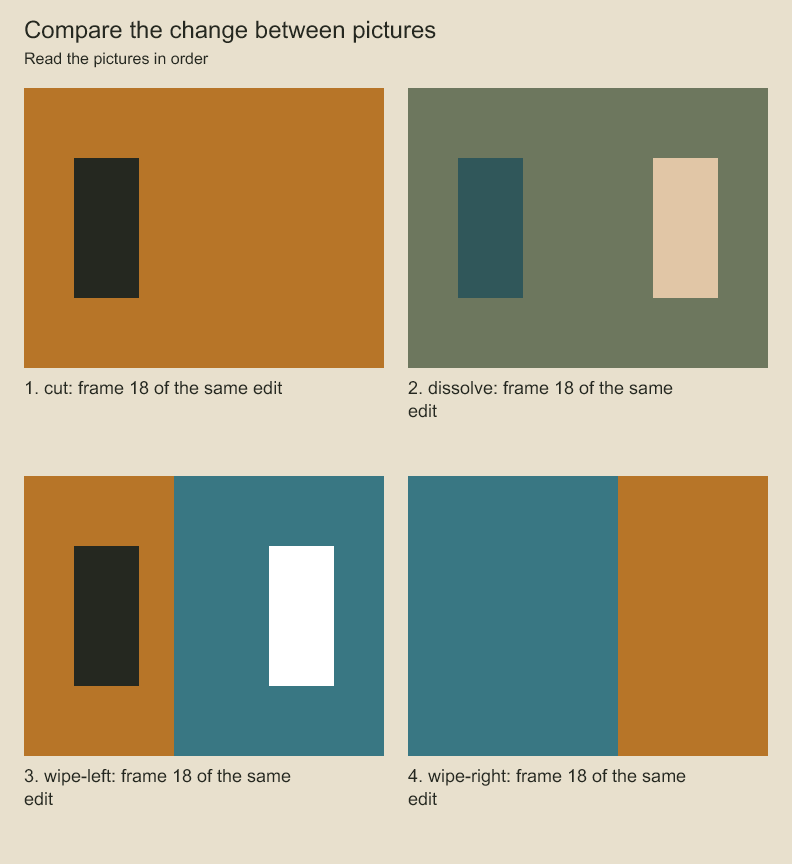
Compare the same edit frame under cut, dissolve and the two wipe directions. A transition changes how adjacent pictures combine over time.
Change the order of two shots. Can you reorder a sequence without redrawing either shot?
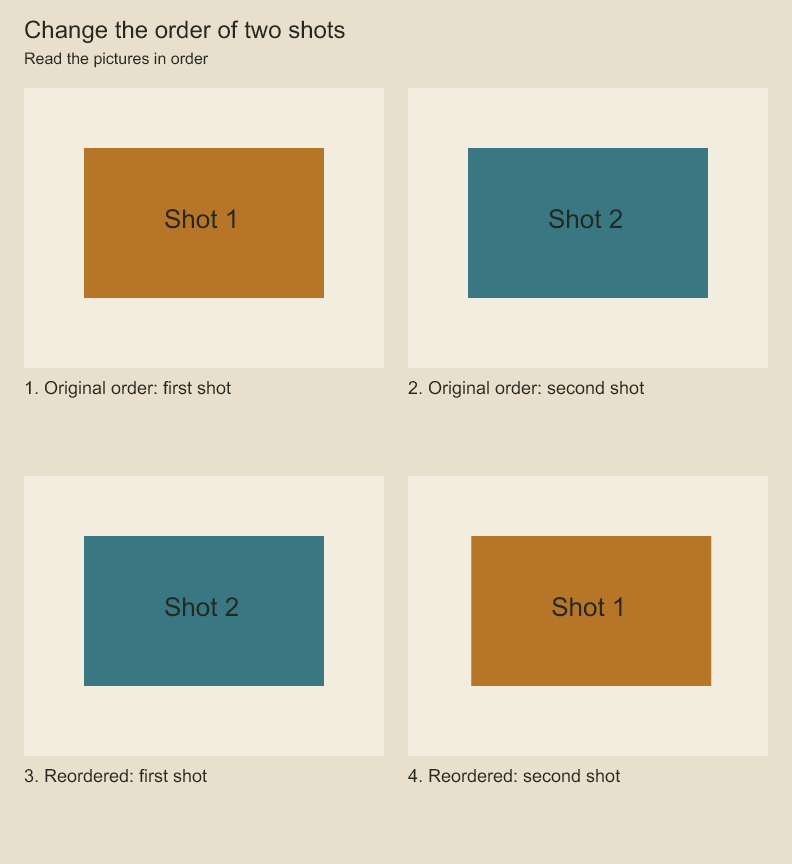
Read the first row left to right, then the second. The shot that was second now opens the sequence. The edit chooses shot order and source ranges. Each shot's drawings remain its own source.
Edit an editorial sequence
project.editEditorial(sequenceId, edits) applies ordered edits and recalculates contiguous clip positions using each outgoing transition's overlap. reviseEditorialSequence(sequence, animations, edits) performs the same operation on an isolated value and returns a validated sequence. Both accept 1–1000 edits:
insert: a completeclipwithoutstartFrame, and optionalbeforeId; omitted destination appends.split: clipid, interior clip-relativeatFramein editorial frames, and explicitnewIdfor the right piece. The left keeps its ID and ends in a cut; the right retains the original outgoing transition.update: clipidandchangescontaininganimationId,sourceInFrame,durationFramesortransition. Change source-in alone to slip the source; changing duration ripples subsequent clips.move: clipidand optionalbeforeId; omitted destination appends. Moving before itself preserves order.remove: clipid. A sequence must still contain at least one clip; remove the sequence explicitly when it is no longer needed.
project.editEditorial('edit:main', [
  { op: 'update', id: 'clip:reaction', changes: { durationFrames: 48 } },
  { op: 'move', id: 'clip:reaction', beforeId: 'clip:exit' },
]);
IDs in later edits refer to the result of earlier edits in the same batch. Start positions are derived after all edits. Transitions travel with clips; a new final clip must explicitly end in a cut. Include transition corrections in the same batch when moving/removing clips. Invalid source ranges, unknown IDs, duplicate IDs, consumed clips, three-way overlaps and an empty result reject the entire operation. The engine does not shorten a transition or source range to make an edit fit. All duration/transition values use editorial frames; source-in uses the source animation's frame rate. These edits do not retime source animation or board/audio tracks.
Codeboard by Nonom Friedman
Explore Nonom Library