Onion skin, layer by layer
Onion skin combines rendered samples from specified frames, panels, and layers. Use it to compare contact, spacing, arcs, and pose changes without flattening or modifying the artwork.
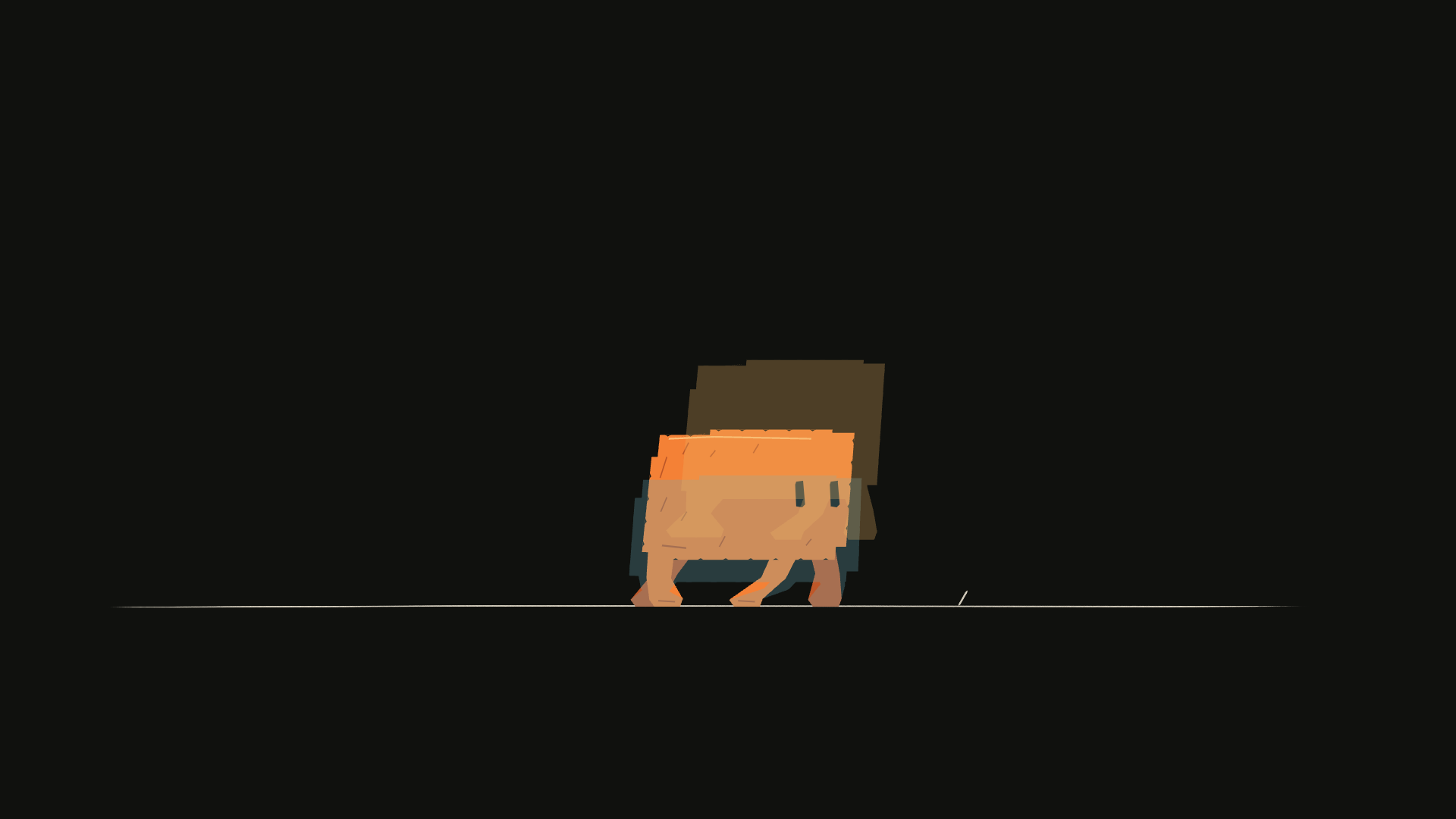
The current scene is opaque; earlier artwork is blue and later artwork is amber. The same operation works with any board panel and its layer IDs.
See neighboring poses together. Is the motion moving along the intended path?
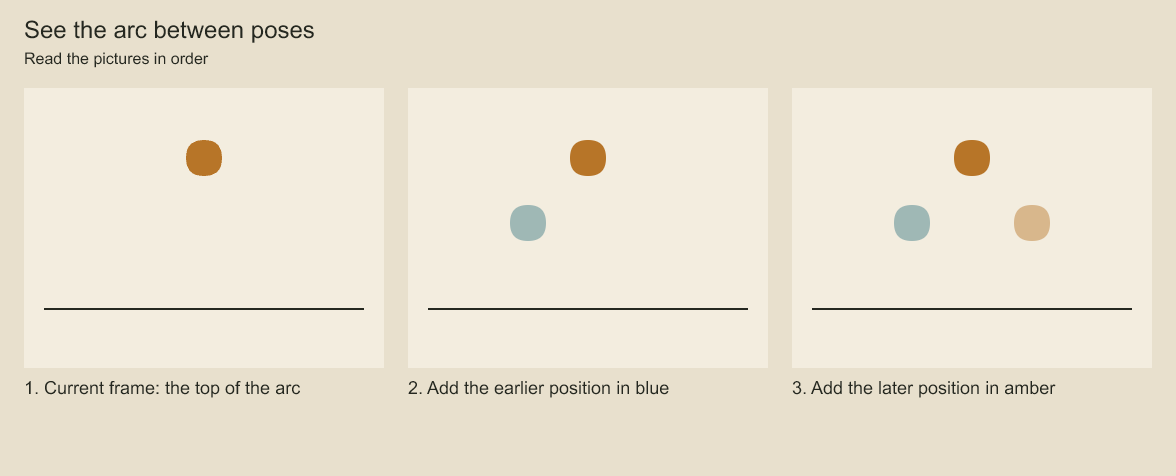
The solid ball is current. Blue shows an earlier position and translucent amber shows a later one. Onion skins are review overlays; the exported animation contains only the current ball.
Render a current frame and two neighbors
Save this as onion.ts. Pass your saved project path, panel ID, drawing-track ID and global frame: codeboard run onion.ts film.cboard panel:reaction track:subject 12. Find the IDs with project queries. The selected group must have an authored drawing sequence.
import { writeFile } from 'node:fs/promises';
import { StoryboardProject, renderOnionSkin, type OnionSkinSample } from 'codeboard-studio';

const [file, panelId, trackId, frameText] = process.argv.slice(2);
const frame = Number(frameText);
if (!file || !panelId || !trackId || frameText === undefined ||
    !Number.isSafeInteger(frame) || frame < 0) {
  throw new Error('Provide a project path, panel ID, drawing-track ID and nonnegative frame');
}
const project = await StoryboardProject.open(file);
const track = project.production.find({ id: trackId })[0];
if (!track || track.panelId !== panelId) throw new Error('Track must belong to the selected panel');
const neighbors = project.production.drawingNeighbors(trackId, frame);
const samples: OnionSkinSample[] = [{ panelId, frame }];
for (const [neighbor, tint] of [
  [neighbors.previous, '#69aeba'], [neighbors.next, '#e9b364'],
] as const) {
  if (neighbor) samples.push({ panelId, frame: neighbor.startFrame,
    layerIds: [trackId], tint, opacity: .28 });
}
await writeFile('onion-detail.png', await renderOnionSkin(project, samples, { camera: false }));
The script writes onion-detail.png without modifying the project. It includes the full current panel once, then isolates the track for each available neighbor. A group ID includes its selected descendant artwork and parent transforms. You can select several layer IDs in one sample, or use separate samples to give different parts distinct opacity or tint.
Choose neighboring drawings rather than arbitrary frames
console.log(neighbors.previous, neighbors.current, neighbors.next);Each interval gives drawingId, startFrame, and exclusive endFrame. Consecutive references to the same drawing form one held interval. Previous/next skip blank intervals by default; pass { skipBlank: false } to include them. Use the neighbors' start frames when you want the adjacent drawing, rather than frame - 1, which may still be the current held cel.
A previous or next neighbor can be null at an endpoint. Only request neighbors for a frame inside the track's owning panel. Onion rendering itself takes your explicit samples; it does not decide the artistic spacing for you.
Compare panels
Give samples different panelId values to compare matching artwork in two panels. All sampled panels must have the same dimensions. Omit layerIds to render the whole panel; provide IDs from each panel when isolating characters or props. IDs from one panel are not automatically valid in another.
Camera and opacity rules
| Option | Behavior |
|---|---|
camera: false | Default. Compare layer placement without camera framing |
camera: true | Include each sample's camera evaluation and multiplane projection |
sample.opacity | Explicit opacity for that sample, from 0 to 1 |
options.opacity | Default overlay opacity, .3 |
| First sample without explicit opacity | Full opacity |
| Later sample without explicit opacity | Uses the default overlay opacity |
sample.tint | Replace visible color with a tint while retaining alpha |
sample.layerIds | Nonempty list of layer/group IDs to isolate |
You may combine one to eight samples. Samples paint in the order supplied. Tinted or layer-isolated samples use a transparent background so a ghost does not cover the current scene with a second background.
Camera-off comparison still includes layer animation. To compare geometry at a common origin, arrange a separate pose sheet with explicit placement. Onion skins are board review images and do not create new timeline artwork. For independent shots, render selected local frames with renderShotFramePNG; this panel-based API does not accept shot-animation IDs.
Review the right question
For foot contact, compare the soles against a fixed ground line. For flight, compare the body center and limb silhouette. For a camera move, use camera-on samples or a frame sheet. A dense stack of ghosts can obscure a drawing; isolate the relevant layer and reduce the number of samples.
Codeboard by Nonom Friedman
Explore Nonom Library